
Single Player Leagues are here. Whether you’re an operator running leagues at one location (or across multiple locations), or a player organizing a league on a Home Edition cabinet, Single Player Leagues make it easier than ever to compete — no partners required.
In this format, each player competes as their own team. Players simply play during the league’s scheduled window, and their scores are automatically tracked for standings and weekly results. It’s perfect for smaller locations, flexible schedules, or casual groups that still want structured league play.
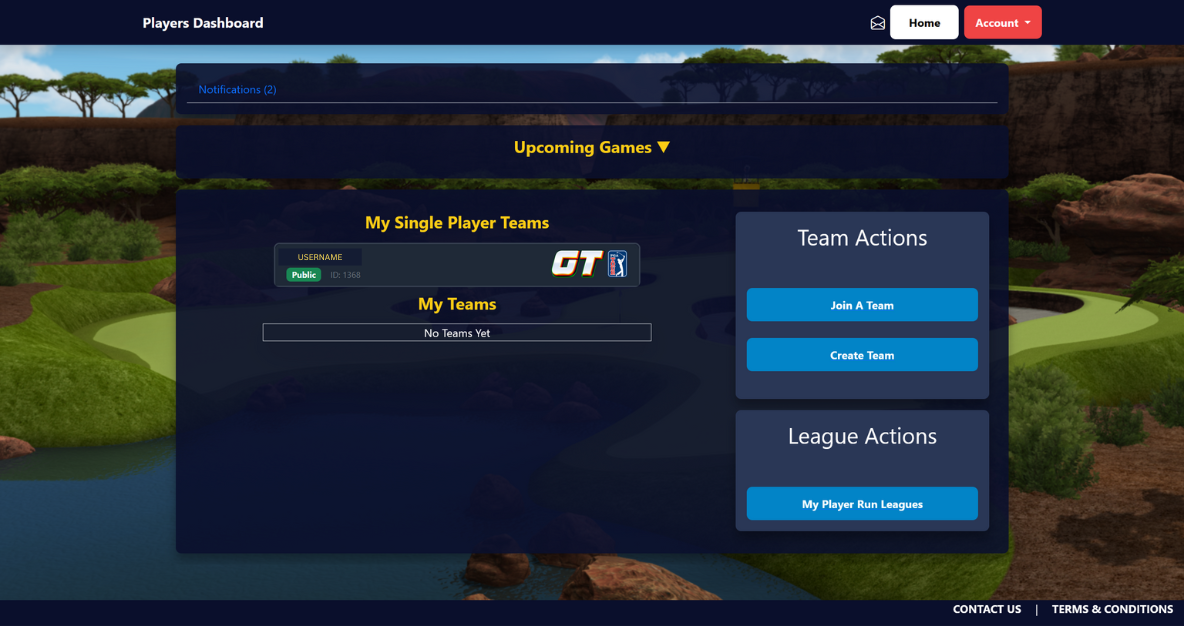
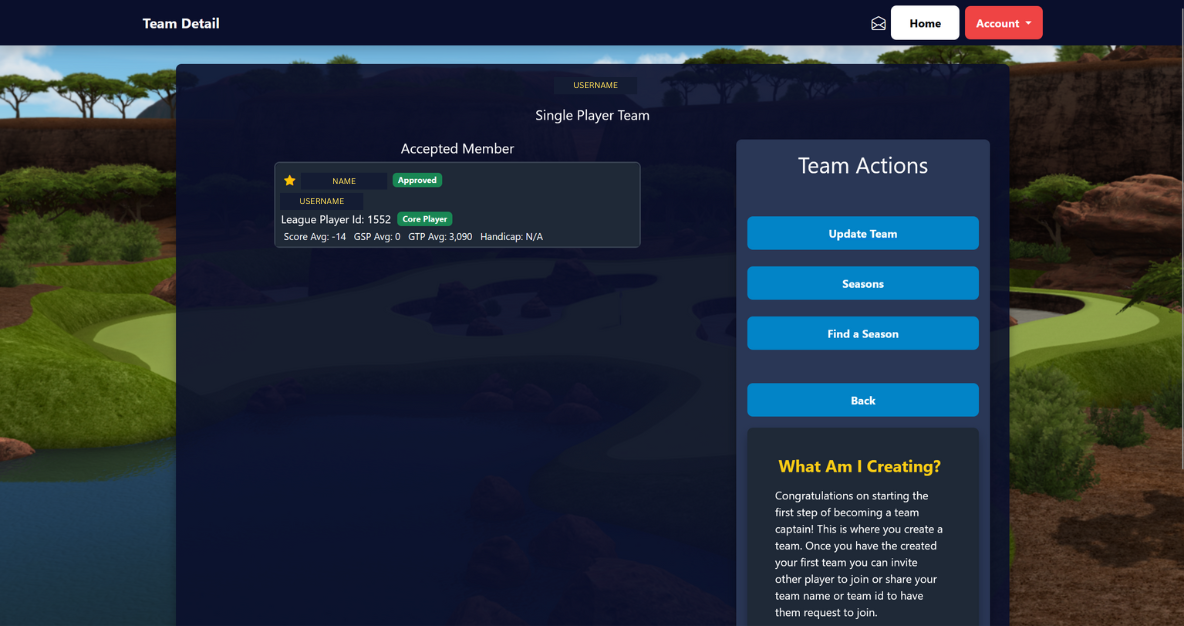
To get started, players should visit leagues.itsgames.com and log in using their LIVEWIRE / GT Caddy account. Create a single-player team (just you), which makes your profile searchable in Run IT.
Once created, an operator or player league admin can search for you and add you to their Single Player League. Creating your team does not automatically place you into a league — it simply prepares your profile so you can be added.
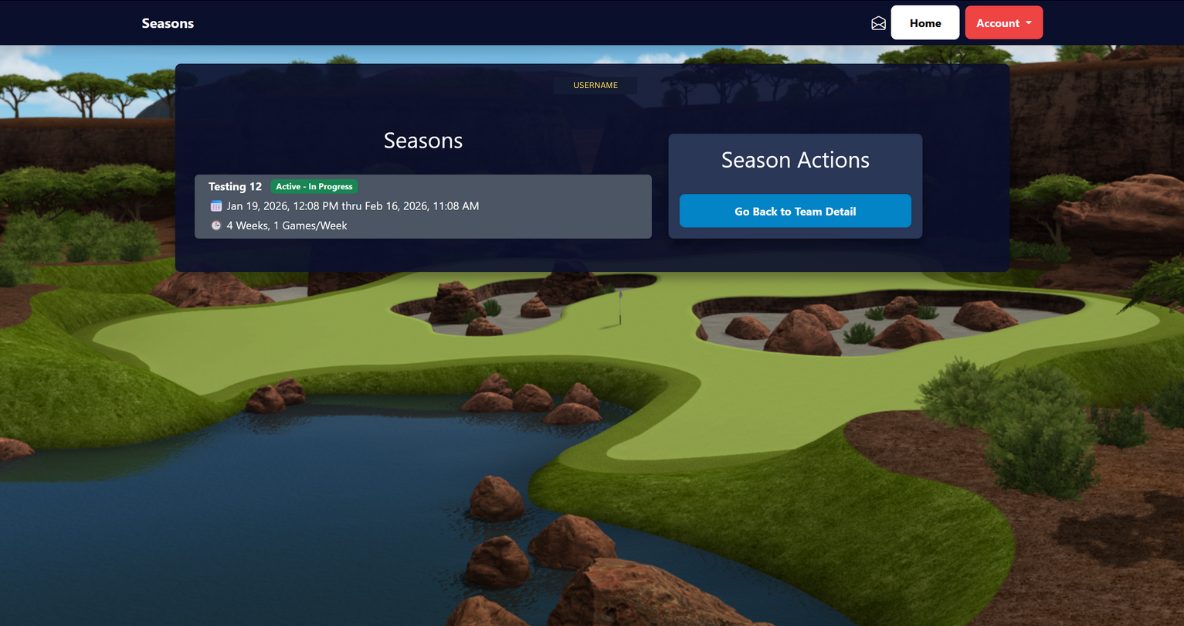
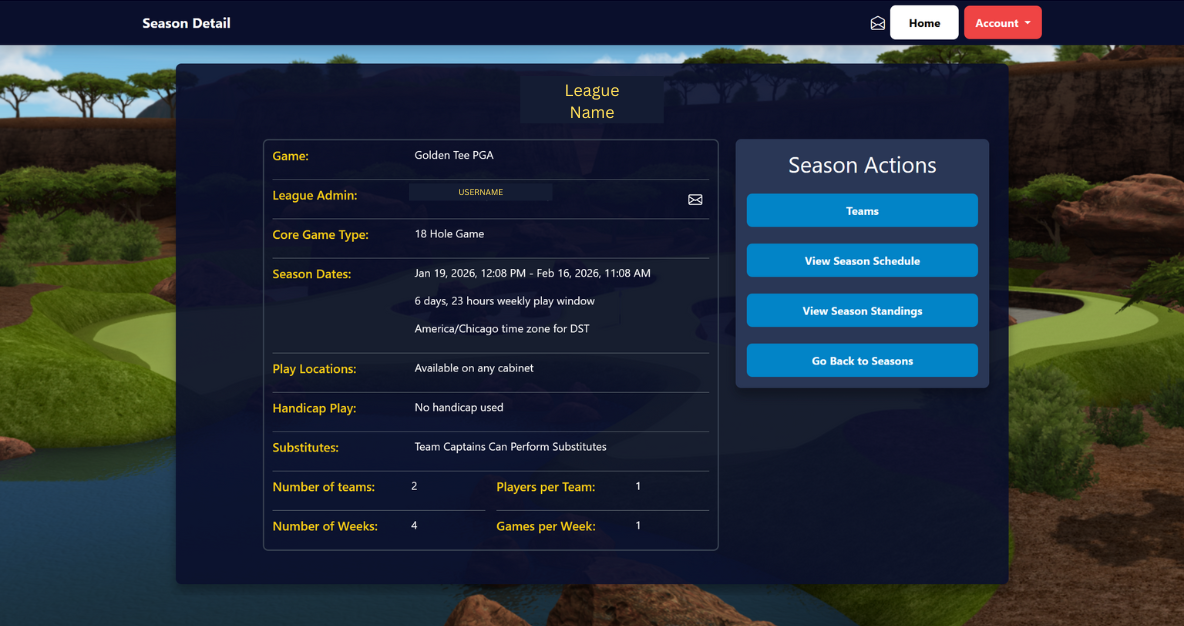
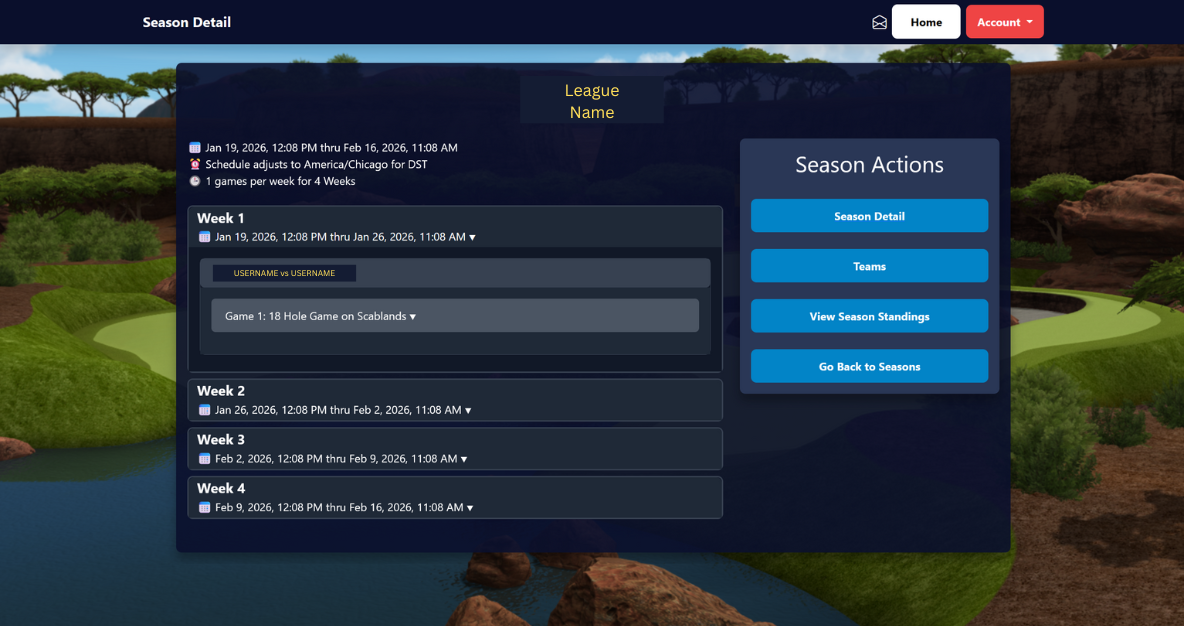
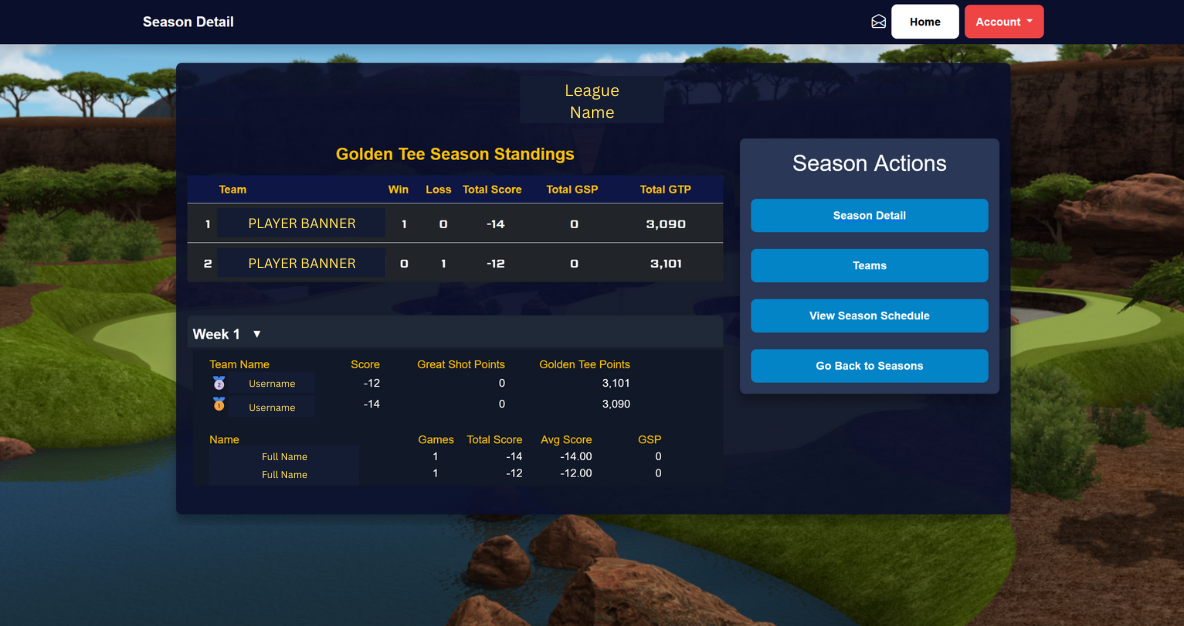
After being added, players can view league details, play windows, standings, and weekly progress all in one place.
This Golden Tee PGA TOUR exclusive feature gives players, operators and locations the flexibility to customize leagues to suite their various needs.
The Run IT League software provides all the tools needed to build leagues, generate schedules, track standings, and communicate with players — now including full support for Single Player Leagues.
You can find more information and step-by-step timestamps about everything Run IT here.
Please contact promote@itsgames.com for any issues or bugs.







 NEWS
NEWS