Where did that Ad come from?


Thank you for your assistance!

The following descriptions should help you determine which company is showing the offending ad.

AdColony

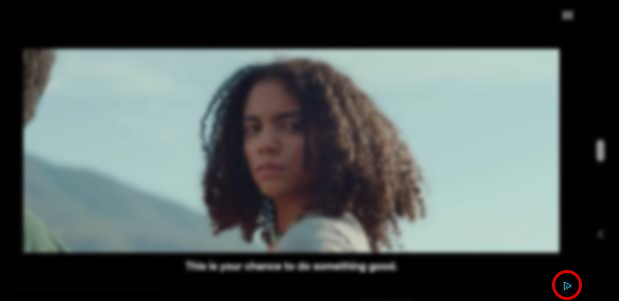
  • Easily identified by a blue flag in the lower right corner (pictured).
  • Unique in that certain ads are abbreviated with a distinct blue progress bar on the bottom (pictured). Videos featuring these will end automatically after the progress bar reaches the end, well before the countdown in the upper right has ended. If a player didn’t have time to identify the product in the video, AdColony is a top suspect.
  • Ads served typically feature products and entities outside of the video game industry. Car dealerships, nonprofits (pictured), cleaning products, and financial services are common.

Facebook

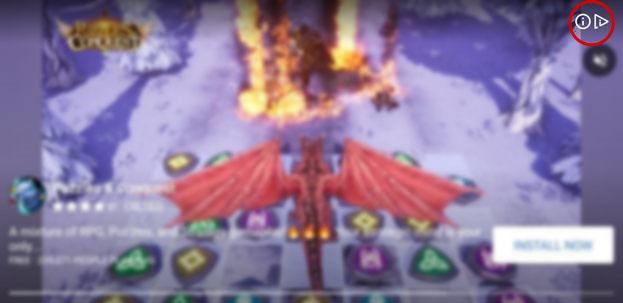
  • The info button in the top right corner (pictured) is distinct from other ad servers. It’s composed of two icons: the familiar “i” bubble and a triangular flag symbol. Both react together to a tap; it doesn’t matter which one the player targets. The mute toggle is also located here.
  • Some of these ads will also disguise the close button as a series of arrows (“>>>”). When this button is tapped, it will unhide the “X” closer button. The player will need to wait a couple seconds after tapping the arrows before the “X” will actually appear.
  • Some of the timers on Facebook videos also look distinct. They have a “Reward in XXs” format that will display in the top left corner. Standard timers and progress bars (pictured) are also used, and multiple timers can be displayed in tandem. Unlike AdColony, these timers are in agreement and will reflect the time remaining accurately.
  • “Install Now” buttons, alongside brief text descriptions, are also very common to Facebook ads, but not exclusive features.

ironSource

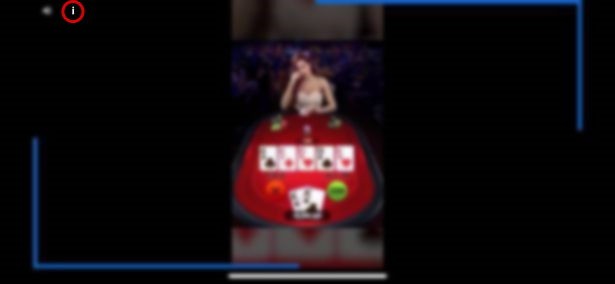
  • In all of this company’s ads, the "i" button in the top left corner with the mute button (pictured) indicates they came from ironSource.
  • The timer often appears in the lower left corner and uses the circular progress bar format.
  • A second type of timer uses a pair of blue lines (pictured) to track progress. These lines start in the upper right and lower left corners, gradually lengthening until they meet, at which point the video ends. This type of progress bar is specific to ironSource.
  • Like the Facebook ads, some ironSource videos will disguise the closer button. It behaves identically to the Facebook method described above.

Tapjoy

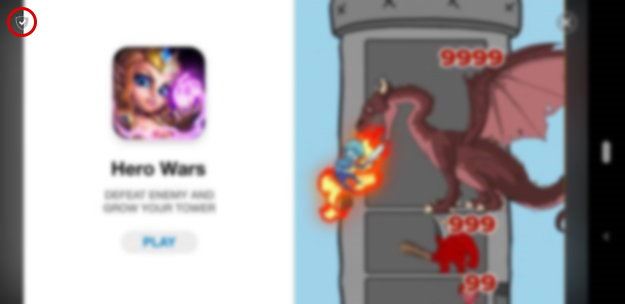
  • Ads from Tapjoy have a unique shield icon with a check mark in the upper left corner (pictured).
  • The timers are located in the lower left corner, and the mute toggle in the lower right. Tapjoy ads seem to typically default to unmuted, which has not often been the case with the other ad providers.
  • We have found that Tapjoy videos will occasionally pause themselves for no apparent reason. There does not seem to be any reliable way to make this occur, and it appears to be specific to Android devices.

AppLovin

  • In this past, this provider has occasionally served ads that players cannot exit. In order to return to our game, players need to kill the app and resume.
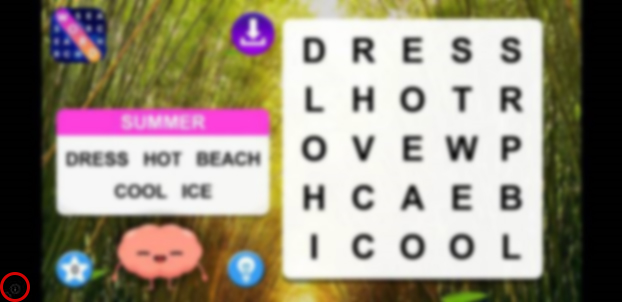
  • The lone distinct feature of Applovin ads is the microscopic “i” bubble in the lower left corner of the screen (pictured… squint really hard). Otherwise, the screen is completely devoid of any ad provider overlay, even timers. If a player cannot provide any distinct landmarks for a given ad, AppLovin is a top candidate for any investigation.

Vungle

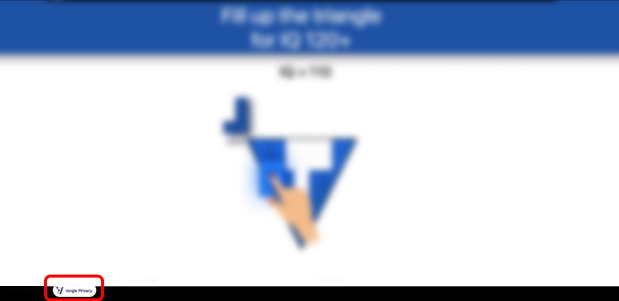
  • Vungle ads are easily identified by a unique marker in the lower left corner. If the viewer taps this symbol, it will expand to reveal the name of the ad provider (pictured here in expanded form).
  • This provider typically serves ads for other mobile games and rarely features products outside of the video game industry.

InMobi

  • InMobi ads have a blue flag icon identifying them as the provider. AdColony has a similar feature, but there are two differences. InMobi’s flag is in the lower left (as opposed to AdColony’s in the lower right). It also has a solid white background to make it stand out more (AdColony’s version of the flag has no background coloring).
  • These ads also have a “Learn More” button located in the lower right corner. Such a button is not necessarily unique to InMobi, but other providers use different wording and iconography (“Install Now”, “Download”, a set of arrows, etc.).